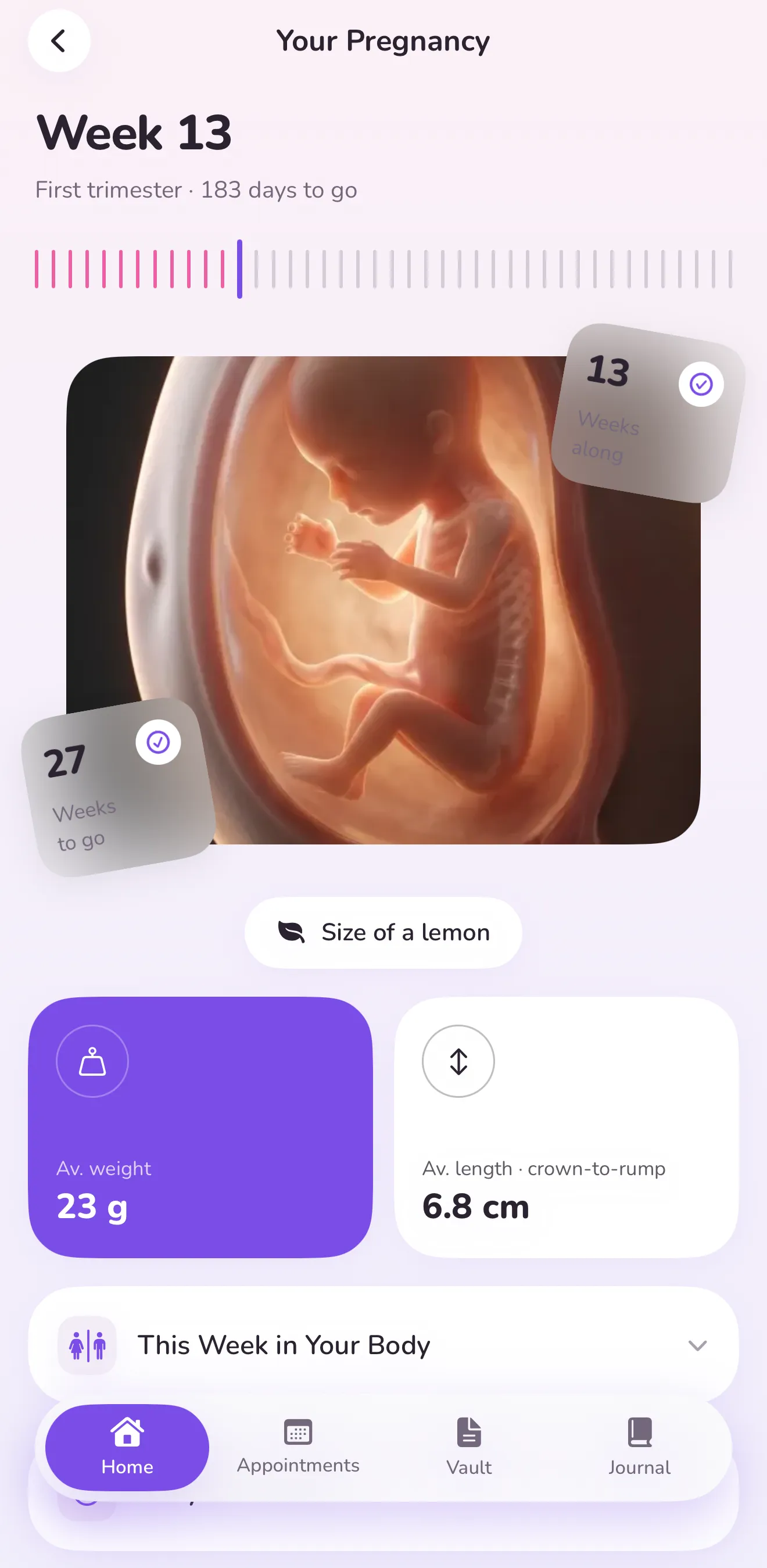
Week by week
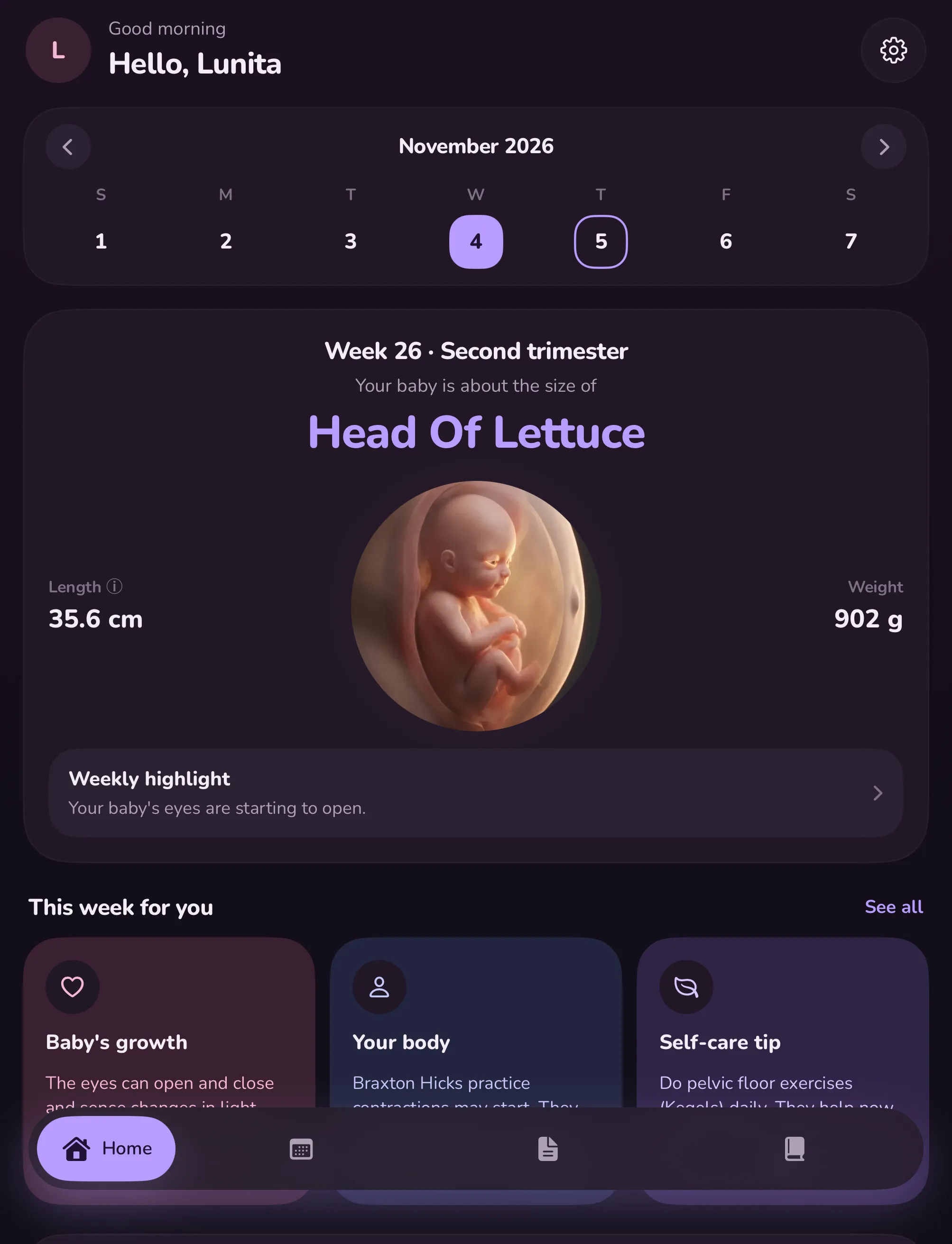
See how big your baby is this week, how many weeks are left, and what is changing in your body.
 Get Lunita
Pregnancy week by week
Lunita is a private pregnancy companion. Follow your baby's growth, keep your appointments and store your records, all in one calm place. Your health data stays on your phone or in your own Google Drive and never reaches our servers.
Coming soon to iPhone, foldable iPhone, iPad and Android.
See how your data stays yours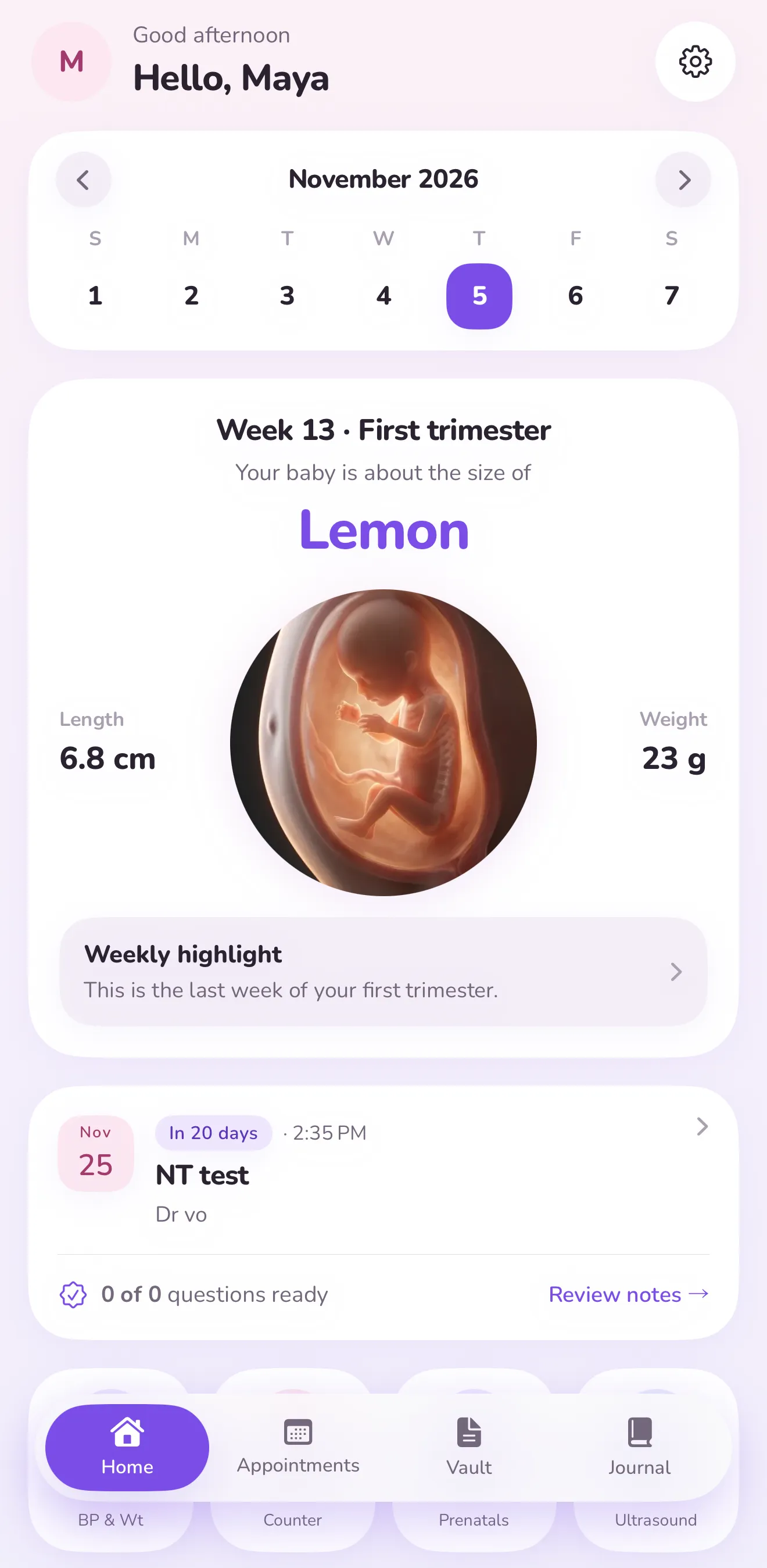
Your records are stored on your device and work offline.
Encrypted backup in a hidden folder of your own Google Drive.
We never receive your health data or personal records, so we cannot sell, leak or lose them.
Calm tools for the next forty weeks, in light or dark.
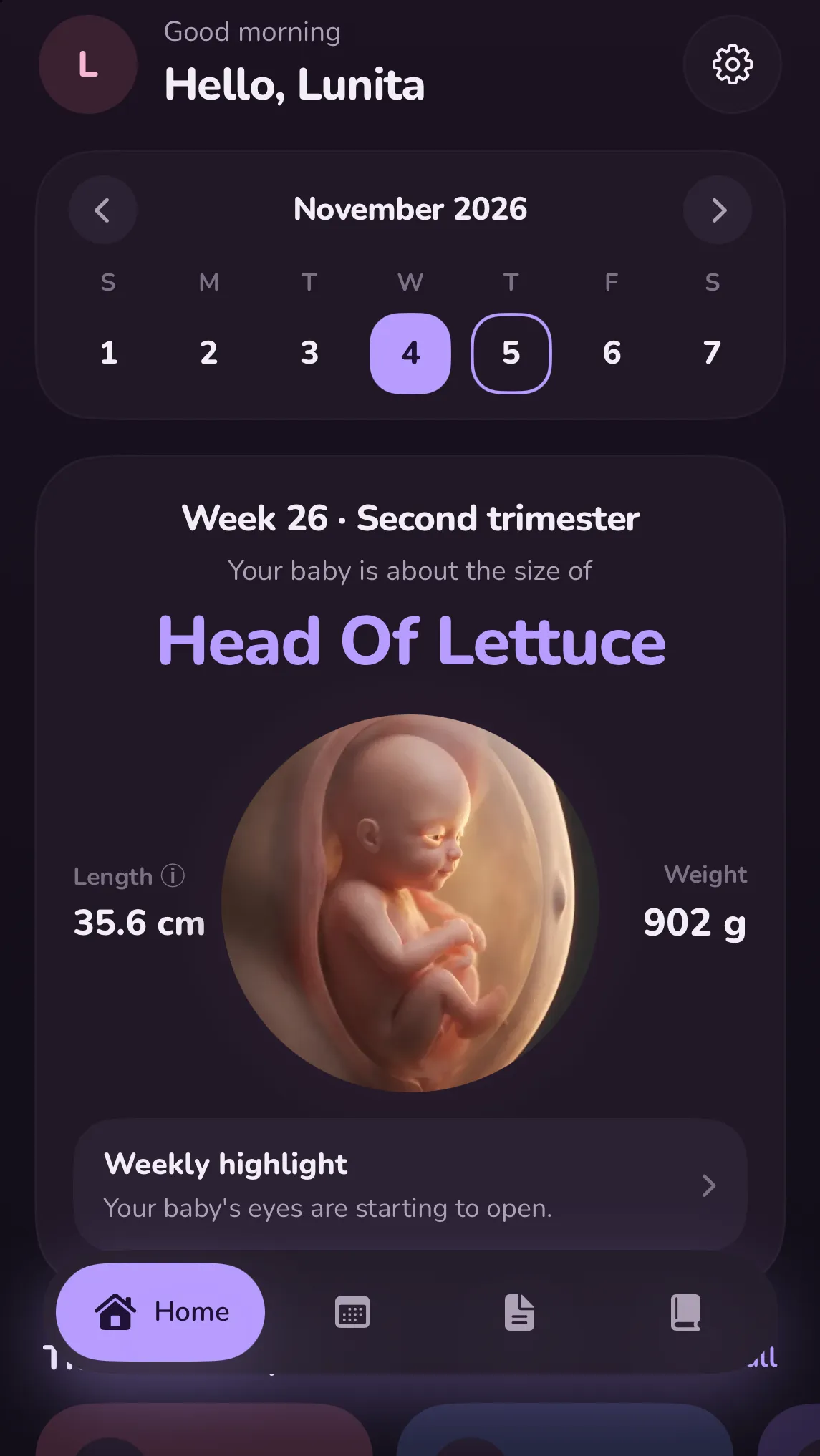
See how big your baby is this week, how many weeks are left, and what is changing in your body.
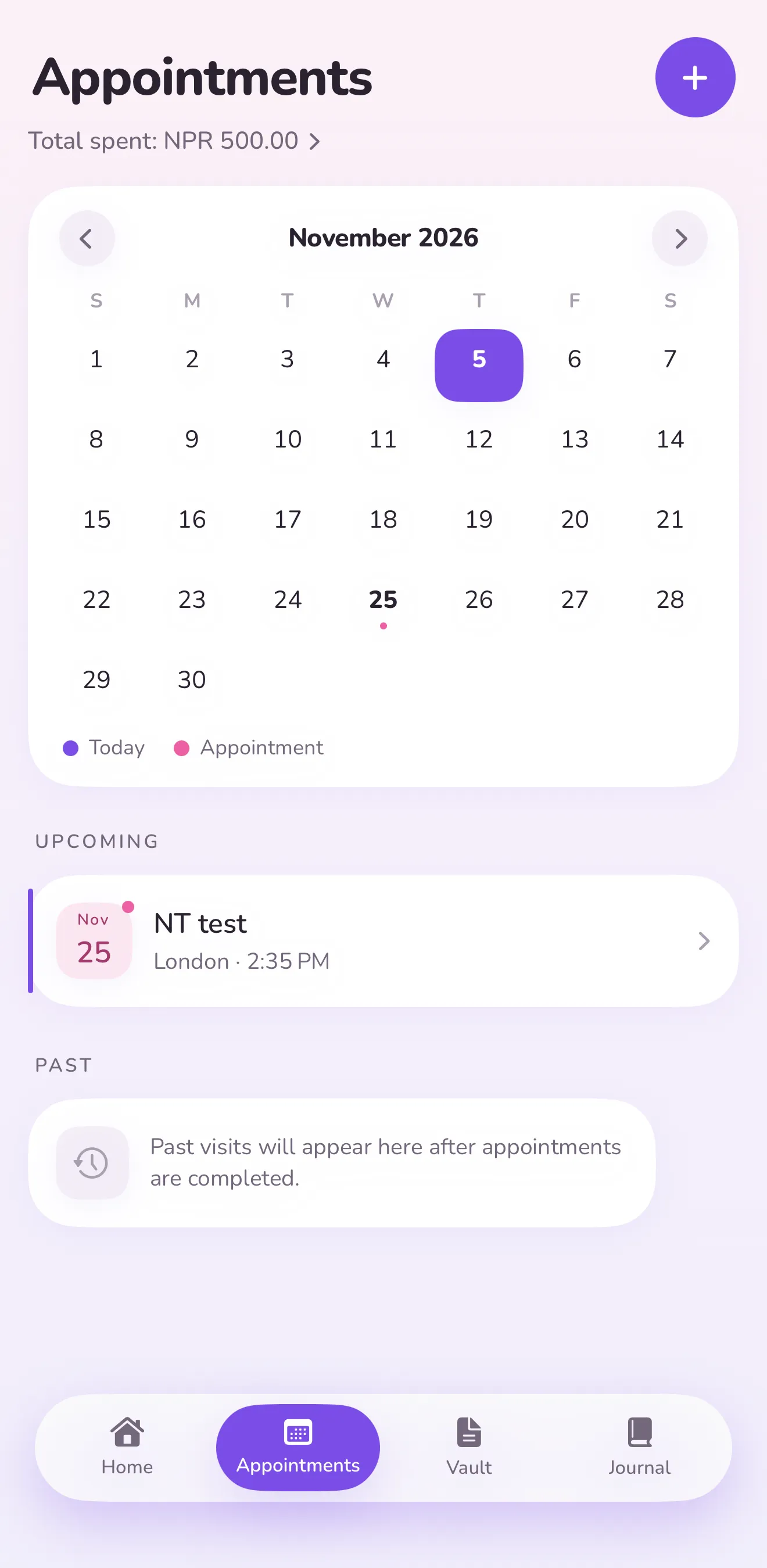
Keep visits on a calendar, write down questions beforehand and review notes afterwards.
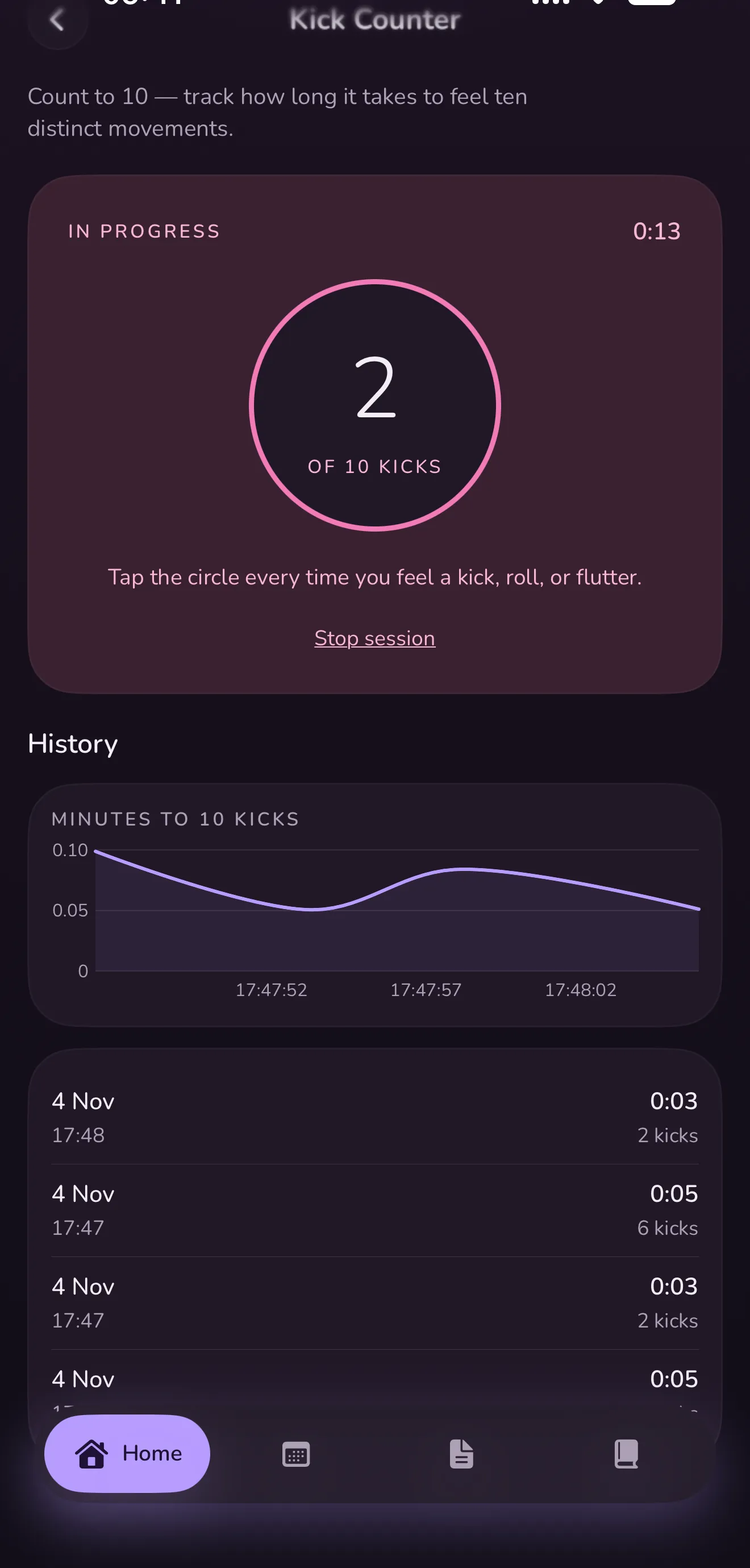
Count to ten movements and see how long it took, session after session.
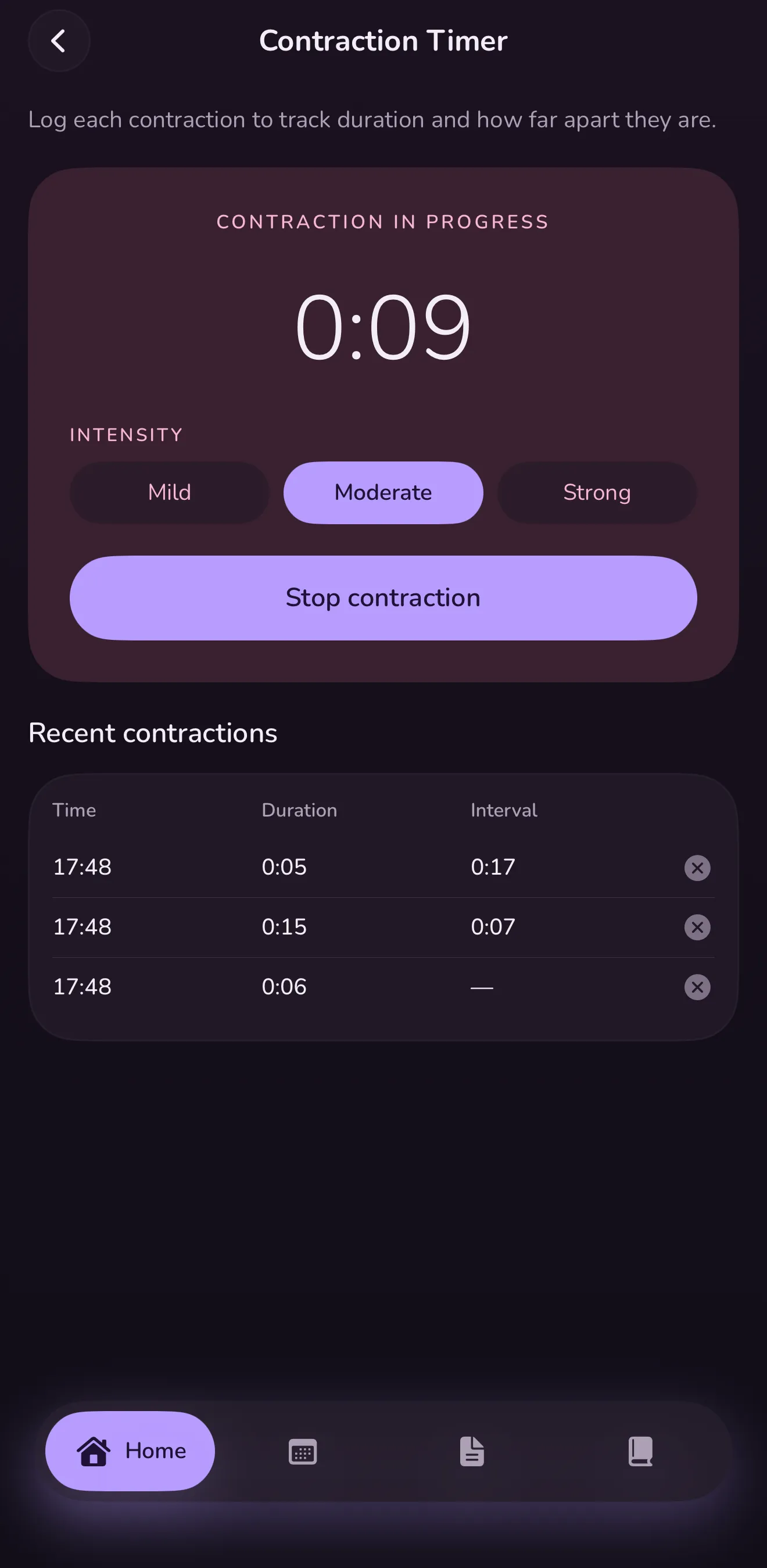
Log duration and spacing, with the 5-1-1 rule built in.
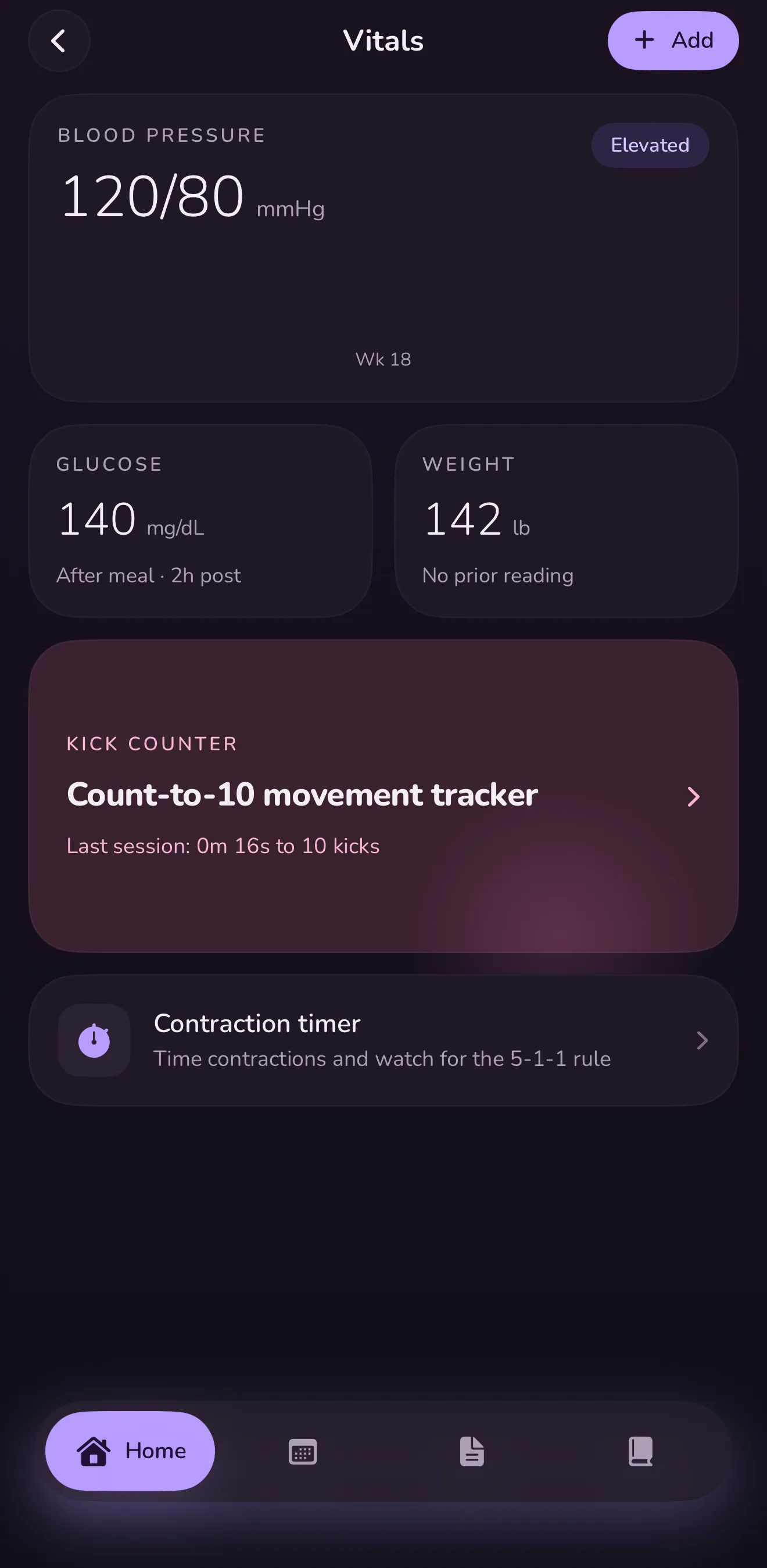
Blood pressure, glucose and weight in one place, ready to show at your next visit.
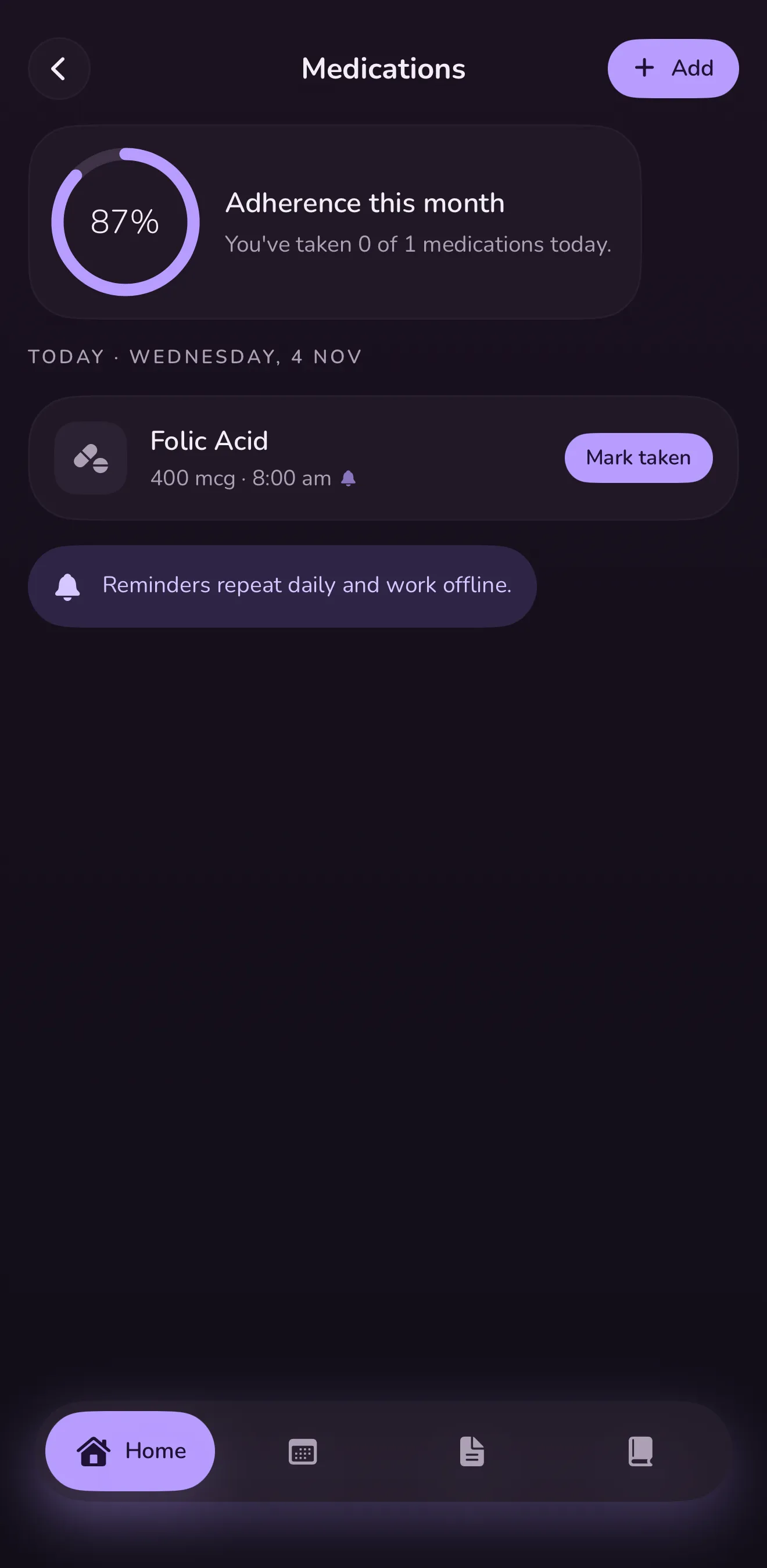
Prenatal reminders that repeat daily and work offline.
Foldable iPhone ready
Lunita is laid out for the cover screen and the full inner display of foldable iPhone, as well as every iPhone and iPad.
Privacy
Pregnancy is personal. Lunita was built so the most private months of your life never sit on someone else's server.
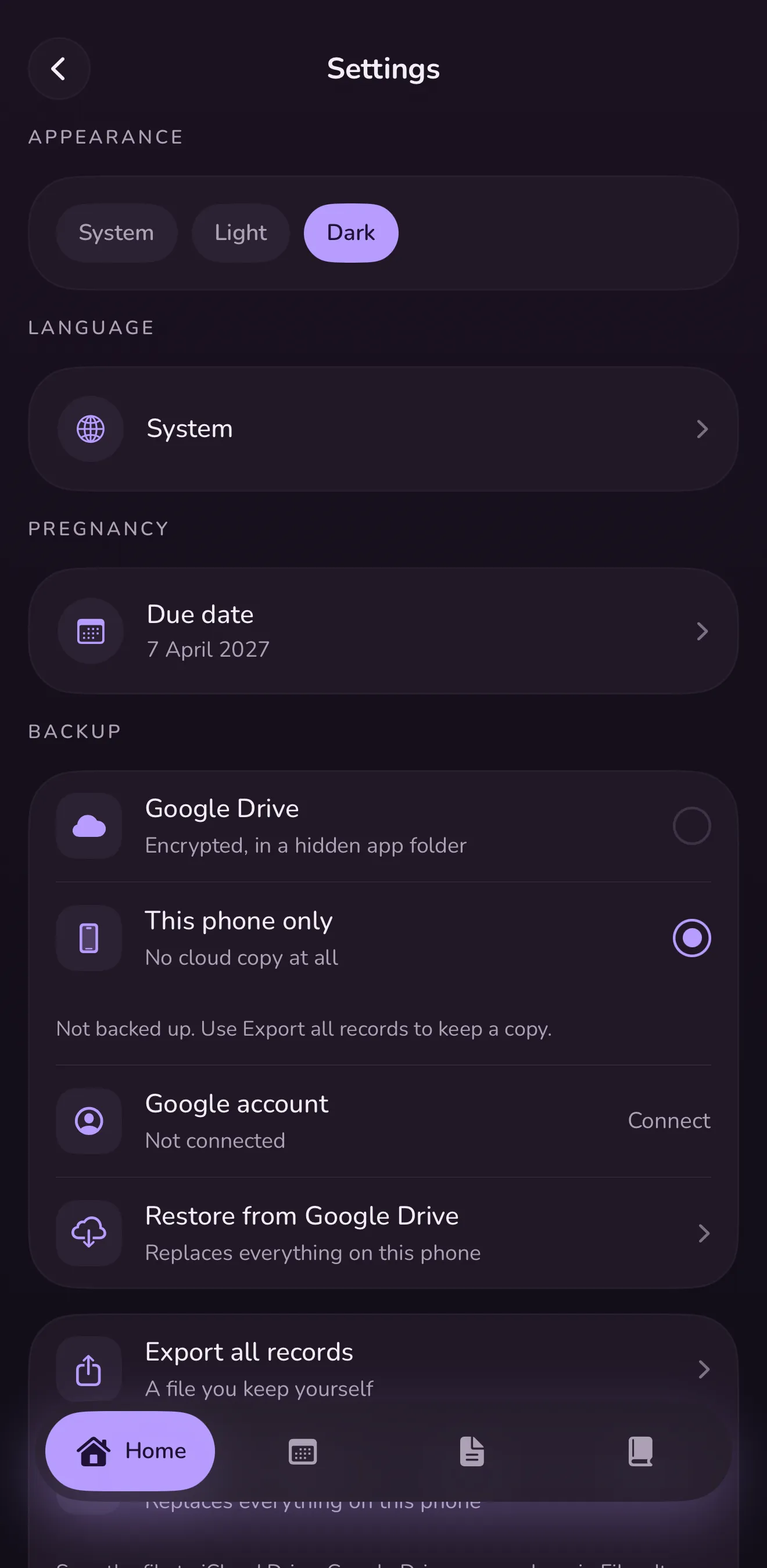
No. Your health data and personal records are never uploaded to our servers. They live on your phone, and if you choose, a backup goes into your own Google Drive.
Lunita saves an encrypted backup in a hidden app folder in your Google Drive. It belongs to your Google account. You can restore it on a new phone or disconnect at any time.
Choose "This phone only". Nothing leaves your device. You can still export all your records to a file you keep yourself.
Yes. Export files from the Vault or export everything at once, then share it however you like.
Lunita may show ads, and uses Firebase Analytics to see how the app is used, for example which screens are opened. Neither ever receives your health data, and your health data is never used for ads. The privacy policy has the details.
Lunita is coming soon to the App Store and Google Play.
No. Lunita helps you follow along and keep records. Always talk to your midwife or doctor about your health and your baby.
Coming soon to iPhone and Android.